
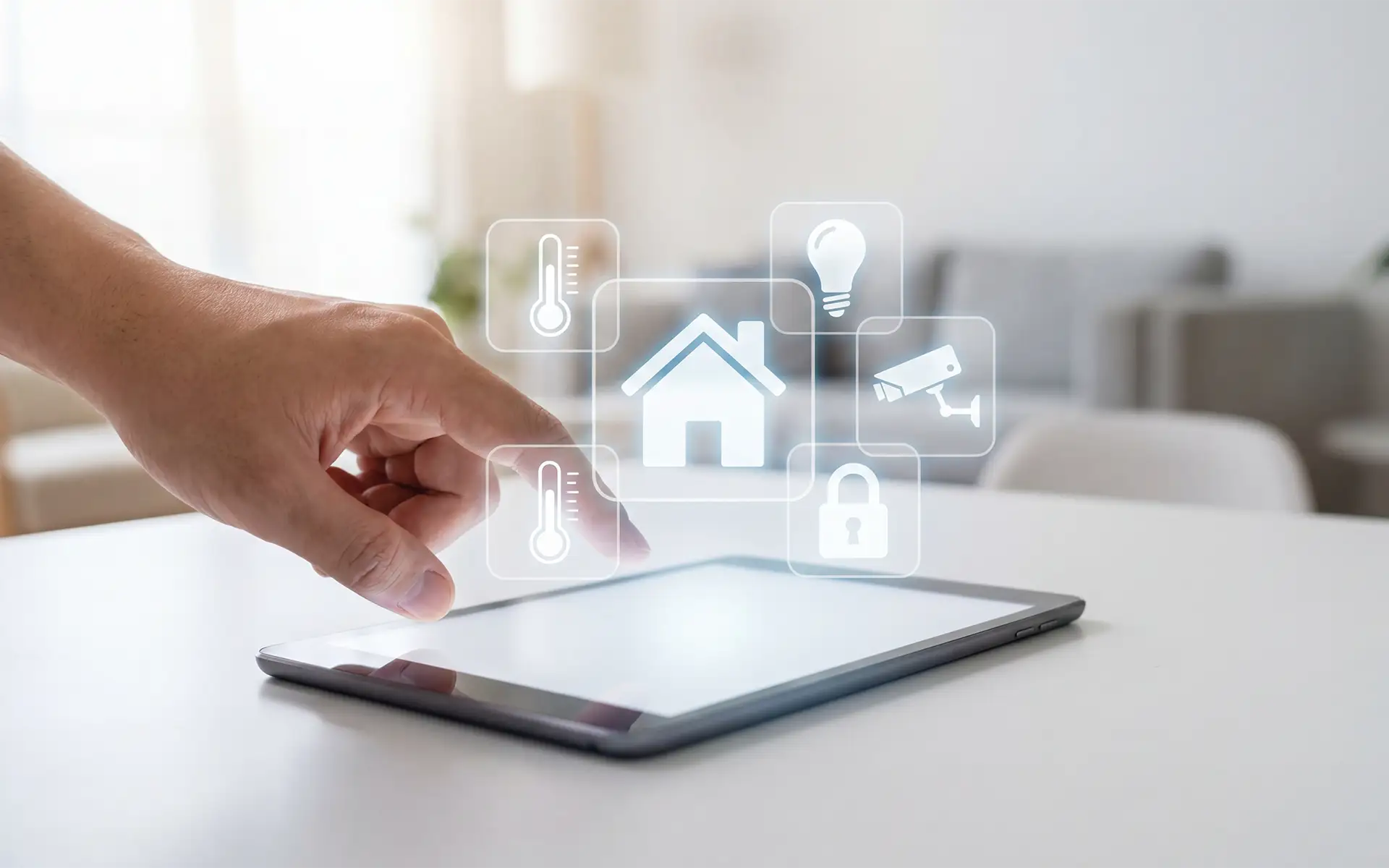
Smart home automation works effortlessly in the background when systems are up to date, networks are optimized, and equipment is in good condition. But how do homeowners make sure this happens? Smart home maintenance keeps home automation healthy and performing at its best.
This guide covers the essentials of smart home maintenance, what requires professional help, and how often maintenance tasks are needed to keep systems running smoothly.
Key Takeaways
- Why smart home systems need regular maintenance.
- What smart home maintenance includes.
- What homeowners can handle vs. what an installer should check.
- How often maintenance tasks should occur.
Why Installation Is Only the Beginning
In August 2025, Parks Associates reported that 54 million U.S. internet households now own at least one smart home device, up from approximately 13 million households in 2020. These numbers reinforce how mainstream smart home automation is becoming, affording homeowners greater convenience and seamless feature control.
Automating your home’s features creates a more convenient, energy-efficient environment. However, like any technology, smart home systems require regular maintenance and care to perform at their best. As a living network, your smart home includes processors, lighting modules, cameras, amplifiers, access points, and apps that constantly communicate. These features aren’t infallible and can fail if the software isn’t regularly updated, the device overheats, or the connection is lost.
The misconception that smart devices manage themselves forever is the most common mistake homeowners make. Think of it like your smartphone. If you ignore the software updates, you may miss new security patches, bug fixes, or compatibility improvements. Smart home devices work much the same way. Regular firmware and software updates, along with other general maintenance, help keep connected systems secure, functional, and operating as expected.
What Does Smart Home Maintenance Actually Include?
One of the most important aspects of home automation maintenance is keeping up with software and firmware updates. These are critical for stability, performance, and security. Beyond software, other areas also need periodic attention, including equipment, network, and power checks. No matter which system controls your home, whether it’s Lutron HomeWorks, Crestron, or Control4, following some general maintenance guidelines can help keep everything performing as expected.
Software and Firmware Updates
Software updates often include patches that close security gaps or fix bugs, which help prevent unauthorized access to the system. Manufacturers also sometimes add new capabilities through software updates to improve hardware performance. Firmware updates can fix bugs, connectivity problems, crashes, and other issues, helping prevent malfunctions.
Network and Wi-Fi Health
Network connectivity powers smart home automation. Regular WiFi and network checks include inspecting the health of routers, switches, and access points, and verifying your network operates with speed and reliability. Network inspection, as part of smart home maintenance, also helps prevent overheating and unbalanced device loading.
Power Protection
Smart devices rely on electrical power, which can make them vulnerable to power surges, voltage fluctuations, or overloaded circuits. Regular power system inspections typically include inspecting circuit breakers, surge protection devices, wiring, and electrical load levels to identify any potential problems.
Camera and Security System Checks
Your camera and security system equipment are also part of regular home automation maintenance plans. Checks ensure your system works as needed to keep your home safe. Maintenance includes inspecting camera positioning and image quality and testing motion sensors and alerts. This also includes checking door and window sensors, verifying connections, and confirming recording and remote access.
These checks can uncover issues that aren’t immediately obvious, such as a camera that has shifted out of position or a sensor with a weak connection. Catching issues early keeps small problems from becoming bigger and helps keep your home protected 24/7.
Equipment Rack and Hardware Inspection
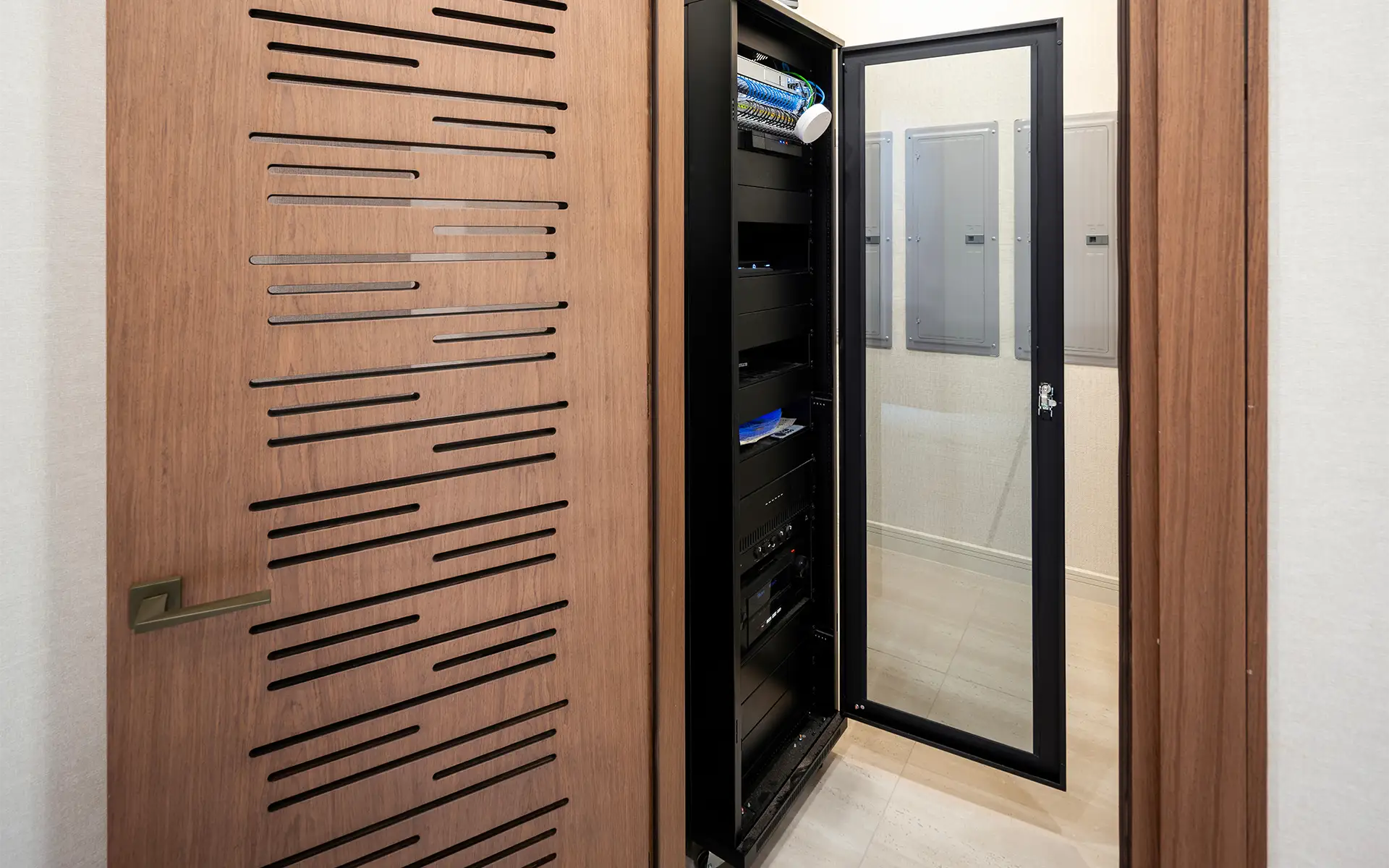
In professionally designed and installed smart home ecosystems, the equipment rack functions like the command center. It houses the devices that run the home’s automation, entertainment, networking, and security systems in one centralized location rather than scattered throughout the house.
With so many devices running simultaneously and continuously, these racks can generate considerable heat. That’s why fans, ventilation, or dedicated cooling are typically incorporated into the rack system. Regular home technology maintenance, including enclosed hardware, spacing, and cable-management checks, helps keep cooling and airflow optimal.
What Can Homeowners Handle vs. What Requires Your Integrator?
Depending on your home automation setup, you can handle some maintenance tasks yourself, while others are best left to professionals. Homeowners can handle tasks like checking and cleaning equipment like security cameras or changing batteries in smart devices.
However, more complex systems are best left to professionals for upkeep and maintenance, especially if you are not familiar with the software. Specific areas of smart home maintenance that installers are better equipped to handle include:
- Troubleshooting technology: The smart home automation installer understands these systems inside out and can help resolve any technology issues that arise.
- Device malfunction: Your installer knows the system well and can fix or replace devices without disrupting the entire system.
- System upgrades: It’s best to let your installer handle any smart home automation expansions, as they will ensure additions are compatible and optimized for performance.
- Software and firmware updates: Your installer can ensure updates are handled on time and without issue, so they don’t disrupt how devices communicate and keep the system secure.
How Often Does a Smart Home Need Maintenance?
Smart home automation ranges from whole-home setups to a few connected devices, so there is no one-size-fits-all smart home maintenance schedule. A simple system with a few connected devices may require little hands-on attention beyond checking connections and batteries, and ensuring software is updated as needed. A professionally integrated home with whole-home automation, networking, security, lighting, climate control, and entertainment requires more regular oversight.
To stay on top of maintenance, do basic checks monthly, schedule a more thorough system review every six months, and have your installer out for a comprehensive annual inspection. Also, if you have a home automation control system, like Control4, check into available dealer service plans.
Monthly Smart Home Maintenance
Homeowners can easily handle some basic maintenance tasks each month, including:
- Checking the responsiveness of smart home apps and connected devices.
- Looking for devices that are offline or repeatedly losing their connection.
- Checking security camera views for optimal positioning and clarity.
- Cleaning dust from accessible devices, camera lenses, and equipment vents.
- Checking for notifications about available software or firmware updates.
Note any recurring connection problems, delayed responses, or devices that frequently go offline, as this can indicate a larger network or equipment issue a professional can help with.
Smart Home Maintenance Every Six Months
Every six months, do a more thorough check of regularly used systems, including:
- Testing security sensors, smart locks, lighting controls, and automated scenes.
- Checking smart device batteries and replacing them as needed.
- Inspecting accessible equipment for dust buildup or blocked ventilation.
- Reviewing camera recordings to ensure they record properly.
- Checking to ensure mobile apps and remote access are working.
For more complex home automation systems, schedule your installer to inspect the following:
- Network and WiFi performance.
- Equipment racks for optimal airflow, cooling, cable management, and device status.
- System diagnostics and error logs.
- Software and firmware updates that could affect multiple interconnected devices.
- Verify system backups, programming, and configuration.
Annual Smart Home Maintenance
A comprehensive inspection by your smart home installer is recommended annually. Think of this as an annual physical for the technology that keeps your home running.
Annual smart home maintenance can include:
- A complete system health check and diagnostic review.
- Equipment rack and hardware inspection.
- Testing the network, router, switch, and access points.
- Reviewing software and firmware versions.
- Power protection and backup equipment inspection.
- Inspecting camera positioning, recording, and remote access.
- Checking for outdated or unsupported hardware.
- Reviewing system backups and configuration.
- Identifying opportunities for upgrades or improvements.
An annual smart home maintenance appointment is also a good opportunity to discuss any changes you’ve made to the home, like new TVs, appliances, lighting, or other technology that may need to integrate with the existing system rather than being added independently.
The Cost of Ignoring Smart Home Maintenance
Treating your smart home like a set-it-and-forget-it system can hurt performance and shorten its lifespan. Skipping regular smart home maintenance can cause malfunctions on various levels. For example, ignoring software updates and not patching firmware can lead to automation errors and serious security vulnerabilities. Also, incidents like overheating-related hardware failure are an expensive headache that could have been avoided.
Even if you have only a few connected devices, regular maintenance is essential to keep performance uninterrupted. However, ignoring maintenance for whole-home automation systems can be an expensive mistake. Regular care and smart home maintenance help your system run more smoothly and last longer, just like a car.
At MIR Audio Video, we’ve helped countless Southern California homes upgrade to smart living with tailored smart home automation installations. Our services and expertise also include Smart Home Maintenance plans that keep your systems performing beautifully year-round. Whether we installed your system or not, we can help keep your home automation healthy.
Contact us today to learn more!
Frequently Asked Questions: Smart Home Maintenance
How much does smart home maintenance cost?
Systems and setups vary widely from home to home, so maintenance costs will differ accordingly.
What happens if I don’t update my smart home devices?
Not regularly updating security patches, bug fixes, performance improvements, and compatibility updates may lead to security vulnerabilities, connectivity problems, or prevent newer devices and features from working properly.
What are the most common smart home maintenance issues?
Common problems include outdated software or firmware, WiFi and network connectivity issues, overheating equipment, power interruptions, failed or aging hardware, and devices that become disconnected or stop communicating with the automation system.
Should I manage my own smart home maintenance, or is it better to hire a professional?
It depends on what your smart home system encompasses. Homeowners can handle simple tasks like cleaning accessible equipment, replacing batteries, and checking whether devices are online. It’s better to have your installer handle software updates, network issues, system diagnostics, equipment problems, and upgrades, especially with more complex systems.
Why do my smart devices randomly disconnect from Wi-Fi?
You may have weak WiFi coverage, network congestion, interference, router or access point problems, or outdated firmware. Changes to the network configuration can also disrupt connectivity. If multiple devices keep disconnecting, the problem may be the network rather than the individual devices.