
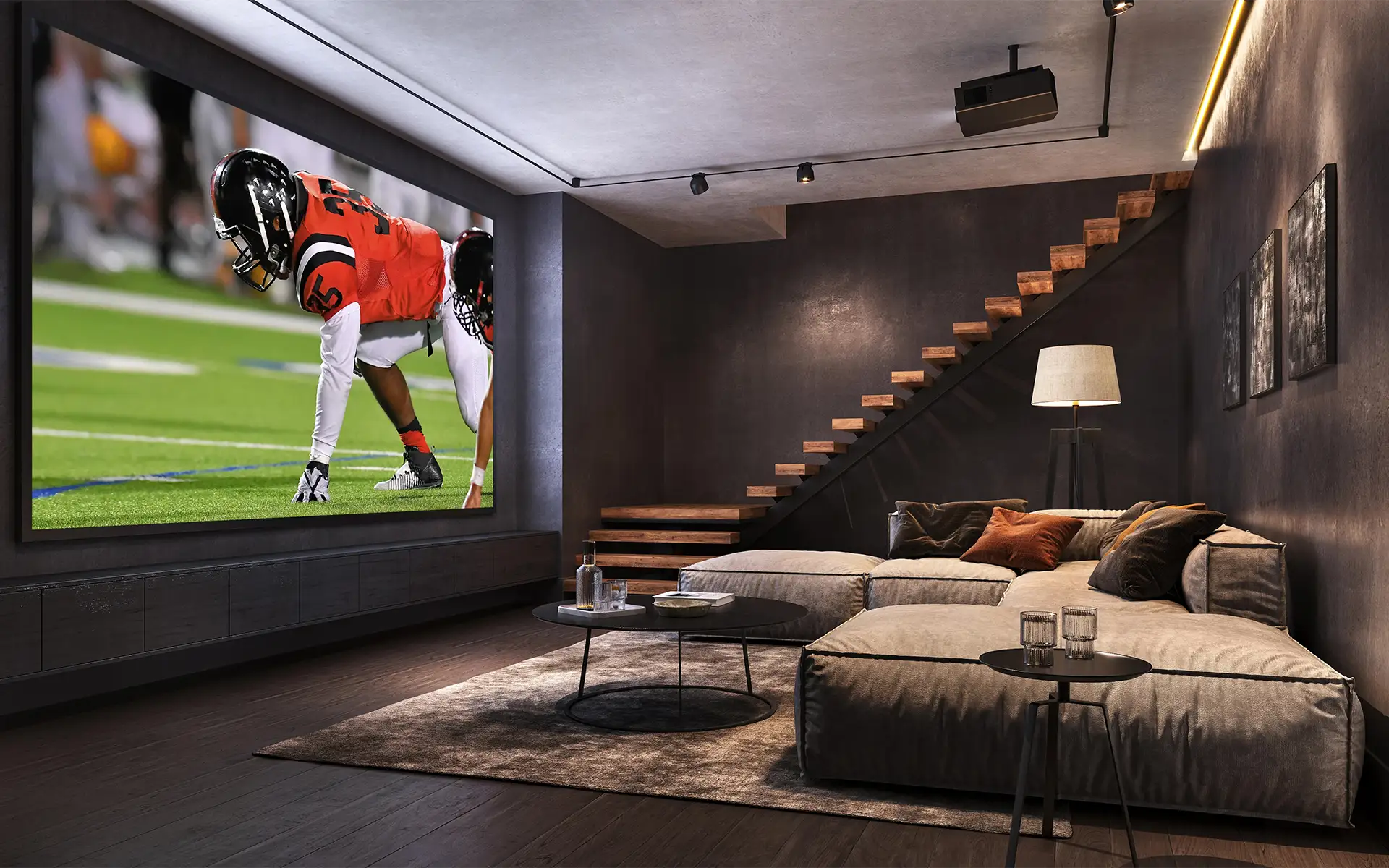
A well-designed, well-configured home theater installation is a game-changer. Do you dream of turning a spare room into an immersive theater experience or making your family room more cinema-friendly? Either way, this step-by-step guide covers the essentials for how to set up home theater spaces, from room and screen selection to speaker placement, wiring, and acoustics.
Key Takeaways
- Your room size and orientation can affect home theater audio quality.
- How you use the space matters when choosing a TV or projector.
- Speaker placement matters for how to set up home theater audio.
- Surfaces in your home theater affect sound quality and acoustics.
Step 1 — Choose the Right Room for Your Home Theater
Consider a few things when selecting the room you want to transform into a home theater, such as location, door placement, power access, sightlines, and more.
- Room Size and Shape: Rectangular rooms, not square ones, work best for audio distribution. Also, avoid rooms where corner doors or poorly placed entryways can break up your speaker symmetry or block screen placement.
- Room Positioning and Ceiling Height: Rooms farther from high-traffic areas, like the kitchen, help contain noise and minimize distractions. Also, if your theater will have risers for seating, aim for a room with a ceiling height of at least 9’.
- Power Access: Your home theater will need plenty of outlets for theater equipment and room accessories.
Step 2 — Pick Your Display: TV vs. Projector
Today’s TVs can deliver stunning visuals, and so can projectors. The biggest tradeoff is usually picture quality and convenience with TVs vs. screen size and theater feel with projectors.
A TV makes sense if you’ll use the room for more than movie-watching, like gaming or sports watching. TVs also offer better contrast in daylight with no lighting adjustment required. However, if you want a more authentic theater feel, a projector delivers. Instead of choosing one, many homeowners include both in their theater setup to support flexible viewing options. Here’s a quick comparison of both options for your home theater setup.
| TV | Projector | |
|---|---|---|
| Screen Size | Smaller - 55 - 100+” | Larger - 100-150+” |
| Picture Brightness | Excellent | Excellent (in proper lighting) |
| Viewing in Daylight | Excellent | Fair, may be washed out |
| Theater Experience | Good | Excellent |
| Installation | Relatively simple | More complicated |
| Gaming | Excellent | Good to Excellent, model-dependent |
| Audio | Built-in is adequate, improves with additional speakers | Exceptional, additional audio setup required |
Another option to consider is an all-in-one smart screen, which combines the benefits of a smart TV with the theater-quality size of a projector screen.
Step 3 — Set Up Your Home Theater Audio System
As residential audio video installers, we can’t stress enough how important speaker quality and configuration are when determining how to set up home theater audio systems. Built-in TV speakers aren’t designed to deliver a true surround sound experience on their own. A surround sound setup delivers immersive audio, whether it’s a traditional multi-speaker and receiver system or a soundbar with wireless rear speakers or subwoofers. No matter which setup you choose, speaker placement determines sound clarity and immersion.
Speaker Configurations Explained: From 2.1 to Full Surround Sound
True surround sound uses multiple audio channels and speakers to reproduce sound spatially. An audio channel is a separate sound stream in a home theater system, typically assigned to a specific speaker or listening position. Audio configurations are expressed in numbers, for example, 5.1. In this configuration, there are five (5) main audio channels for the front and surround speakers, plus one (1) low-frequency effects (LFE) channel typically reproduced by a subwoofer. A third number indicates aerial or height speakers.
A 2.1 system includes two main speakers positioned to the left and right of the screen, plus a subwoofer. This configuration is the first step up from TV speakers and works well in small spaces. A 5.1 system adds a center speaker, two surround speakers, and a subwoofer, while a 5.1.2 system adds two height speakers. The more channels you add, the deeper the surround sound experience.
Speaker Placement Guide
The goal of your home theater surround sound setup is to create even, immersive audio around the primary listening position, which is typically the center seat. For a typical 5.1 setup, place the front speakers on either side of the screen, equidistant from each other and from the primary seating position. Place the center speaker either directly above or below the TV or projection screen. Position the surround speakers to the sides or behind the seating area, above ear level and angled toward the center of the seating area.
Step 4 — Home Theater Wiring and Cable Management
Thoughtful home theater wiring and cable management ensure a reliable installation and a clean look. Not to mention the trip hazards loose wiring can create if you don’t manage it. As part of your home theater planning, align cable routing with connections and equipment locations to keep wires out of sight. First, determine where the TV or projection screen, speakers, AV receiver, streaming devices, gaming consoles, and other equipment will live. Once determined, plan cable routes between the equipment and each speaker. This step should consider speaker wire, HDMI, Ethernet, and power connections.
Pro tip: label the cables at both ends to make troubleshooting and future upgrades easier.
How to Hide Speaker Wires
If your home theater is part of a new build or renovation, you can run cables through walls and ceilings before installing drywall. Be sure to use speaker wire and in-wall-rated cabling appropriate for the installation, and follow local electrical and building codes. If you’re working with an existing room, cable raceways keep wires and cables cleanly organized and out of sight. Where possible, you can also hide wiring under carpeting around the room’s edges.
While wired speakers are still the gold standard for permanent, high-performance home theater installations, wireless speakers can eliminate extensive cable management (except for power cords). If you go this route, make sure you have a reliable WiFi network to support the setup.
Step 5 — Optimize Your Home Theater Room for Sound
Audio optimization is often overlooked when determining how to set up home theater spaces. Several factors beyond speaker placement come into play, including surface types and acoustic treatments. Hard surfaces will bounce sound around the room and reflect it back, creating echoes and compromising audio quality. Acoustic treatments help control those reflections and improve the overall listening experience.
Budget Acoustic Treatment Tips
Soft, absorbent materials on floors, windows, and walls can help absorb and diffuse sound, helping optimize the audio in budget-friendly or DIY home theater designs. Inexpensive treatment options to consider for different areas of the room include:
- Carpet and area rugs for floors
- Curtains or acoustic drapes over windows and other wall surfaces
- Upholstered furniture
- Acoustic panels for walls
Focus acoustic treatments around the primary listening position and the areas where sound reflects the most from the speakers.
How to Build a Home Theater at Different Budgets
Home theater setups can range from entry-level DIY to luxury. The right mix of video, audio, seating, lighting, and room design can create an impressive experience, even on a modest budget.
Budget-friendly home theaters can include a quality 4K TV, a soundbar or wireless surround system, comfortable seating, and creative decor like these home theater ideas. If your budget is larger, create a more immersive space with a projector, a dedicated AV receiver, a 5.1 or 5.1.2 speaker system, and a subwoofer. Adding acoustic treatments and integrated lighting can also level up the space.
If you’re working with a larger budget, a professional AV installer can help create a dedicated home theater with a clean, cohesive design, including a high-quality projector and surround sound system, multiple subwoofers, strategic acoustic treatments, theater seating, and automated lighting.
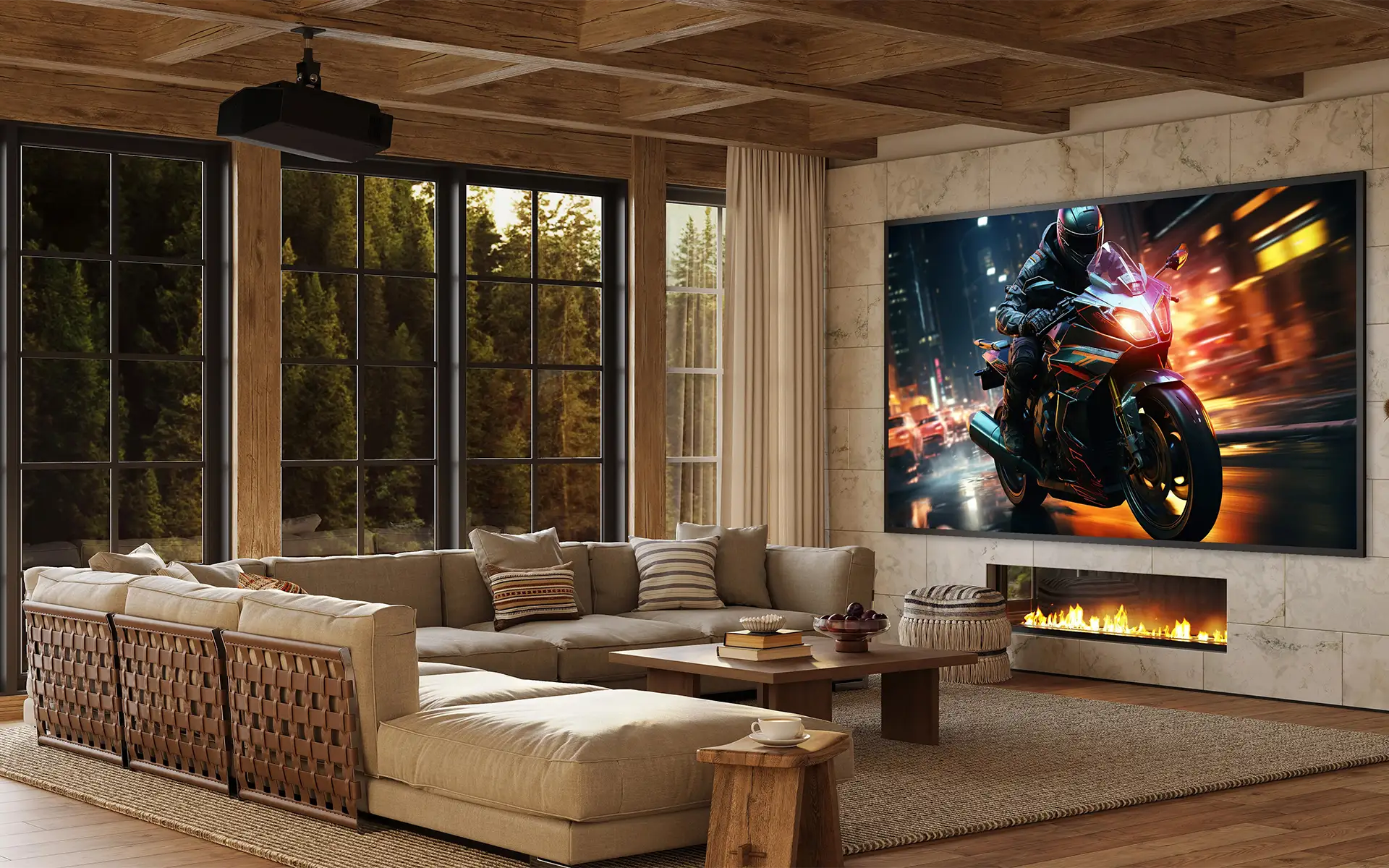
At the luxury level, home theater installation specialists can help you design the entire room for the ultimate cinematic experience, including integration with smart home automation systems. Tailored spaces can include custom seating, acoustically transparent screens, hidden speakers, multiple displays, automated lighting and shades, and dedicated equipment racks for a streamlined look.
Creating a home theater is a home upgrade everyone can enjoy. Whether elevating the audio and video equipment in an existing space or building a custom home theater from the ground up, MIR Audio Video can help. We’ve worked with Southern California residents for decades to create custom entertainment spaces with cutting-edge home theater system components, expert design guidance, and the professional installation that brings visions to life. From selecting the right display and audio systems to integrating lighting, automation and other technology, MIR can help you create a home theater that fits your space, lifestyle, and entertainment needs.
Contact us for a consultation today!
Frequently Asked Questions: How to Build a Home Theater
What do I need to build a home theater?
For a basic home theater, you’ll need either a TV or a projector and screen, a soundbar or surround sound system, comfortable seating, and the necessary cables and wiring. Depending on the room, you may also want blackout or acoustic curtains, carpeting or area rugs, and ambient lighting.
How much does it cost to build a home theater?
Home theater costs depend on room size, equipment, and customization. A basic setup can cost a few thousand dollars, while a professionally designed luxury home theater can cost tens of thousands of dollars or more.
Can I build a home theater in my living room?
Yes, a living room can provide immersive viewing without requiring a dedicated theater space. At a minimum, a large screen, surround sound speakers, and thoughtful lighting can mimic a theater experience while keeping the room comfortable and functional for everyday use.
What is the best surround sound setup for a home theater?
A 5.1 system is a great starting point, which includes three front speakers, two surround speakers, and a subwoofer. For a more immersive experience, a 5.1.2 or 7.1.4 system adds overhead speakers. The best configuration depends on your room size, seating arrangement, and audio goals.
How do I hide wires in a home theater?
You can route speakers and other cables inside walls or ceilings for a clean look, especially during new construction or remodeling. In existing rooms, cable raceways can conceal wires without opening the walls. In-wall and in-ceiling speakers can also create a cleaner look, while wireless surround speakers can eliminate long speaker wire runs.