
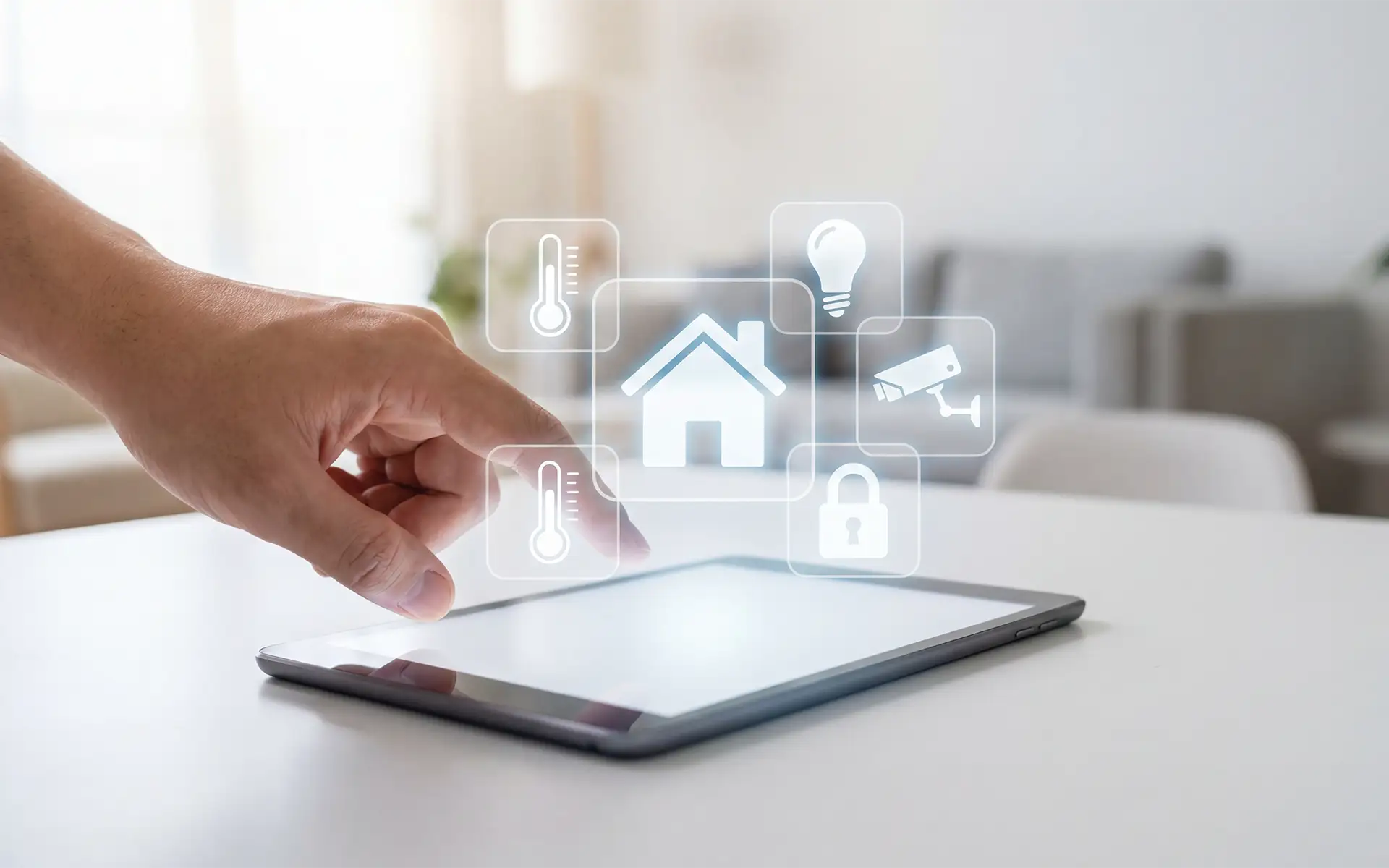
You don’t need to build a brand-new house or tear open your walls to bring your home into the modern era. Even if your place was built long before smart devices existed, you can still easily add features that make day-to-day life more comfortable and convenient.
How to set up a smart home depends on what you’re trying to achieve in your space. The simplest route is picking up a few standalone devices that work with Alexa, Google Assistant, or Apple Home. But if you want your lighting, thermostat, security, shades, and TV to actually work together seamlessly through a single hub, a professionally integrated system will give you much tighter control and a cleaner experience.
Either way, the best starting point is understanding what your home can handle and what you actually want out of the tech. Here is a look at your options, what each one involves, and where bringing in a professional might save you some serious time and headaches.
Key Takeaways
- We explain how to set up a smart home without remodeling your existing space.
- Choose between installing individual smart upgrades or unifying key systems within a whole-home smart automation platform.
- We cover how to turn your home into a smart home by replacing lighting, security, climate, shades, and entertainment features with smarter integrations.
- Learn when a DIY or professional approach is best for a smart home renovation.
Can You Make Your Home a Smart Home Without Renovating?
Absolutely! You can add smart home technology to an existing house without gutting rooms, replacing all your wiring, or starting a major remodeling project. Many of today’s smart home solutions are wireless, so you can easily add features as needed. However, don’t underestimate the importance of a reliable whole-home WiFi network. Your network is foundational to a seamless smart home retrofit, as we explain in our article on how smart home technology works.
The best approach to adding smart features depends on what you want your home to do. Adding smart bulbs, speakers, wireless switches, thermostats, and locks offers convenience without significant changes to your home.
If you want multiple systems to work together, you can take a more comprehensive approach. Professionally integrated home automation systems can coordinate smart lighting, security, climate control, motorized shades, and entertainment through a centralized control platform. These systems are designed to integrate into existing homes, so installing a whole-home system doesn’t necessarily require demolition.
That doesn’t mean every upgrade will be completely wire-free. Your home’s electrical setup, network, and the equipment you choose will determine what’s possible without additional wiring. Also, no matter which approach you choose, we recommend implementing smart home network segmentation to keep your network secure as you add multiple smart devices.
Choose Your Smart Home Approach
When considering how to turn your home into a smart home (without construction), there are two general approaches: DIY smart home ecosystems and professionally integrated home automation systems. Both add convenience, but they differ in how devices connect, how much control you have, and how the technology works together. Understanding the differences will help you choose an approach that fits your home, lifestyle, and long-term goals.
DIY Ecosystems: Alexa, Google Home, and Apple Home
If you want to introduce smart technology to a few aspects of everyday living, DIY ecosystems are a natural starting point. Platforms like Amazon Alexa, Google Home, and Apple Home can serve as a smart home starter kit, letting users connect compatible devices and control them through a mobile app or voice assistant.
Examples include smart speakers and light bulbs that respond to voice commands, as well as thermostats, doorbell cameras, and smart locks you can control remotely. You can add devices as your needs and budget allow without committing to an entire smart home renovation. However, compatibility is essential, as not every smart device works with every platform. Checking compatibility before purchasing can help you avoid a collection of devices that don’t work well together.
Professional Systems: Control4 and Crestron
Now, if you want more than a collection of individually controlled devices, a professionally integrated home automation system offers a truly connected smart home. For a smart home retrofit that doesn’t require demolition, platforms like Control4 Smart Home automation seamlessly connect your home systems. You can read more about different systems in our Control4 vs. Crestron vs. Savant guide. Whole-home automation systems like these provide centralized management through a unified interface, controlled via a smart device or a central panel.
For example, you could create a single setting that dims the lights, lowers the shades, adjusts the temperature, and turns on your entertainment system. Instead of managing each feature separately, the system can coordinate them based on your daily routines and custom programming. These professionally integrated systems can also work alongside voice assistants such as Alexa and Google Assistant, giving you the convenience of voice commands alongside centralized control of your home’s technology.
Adding Wireless Lighting Control
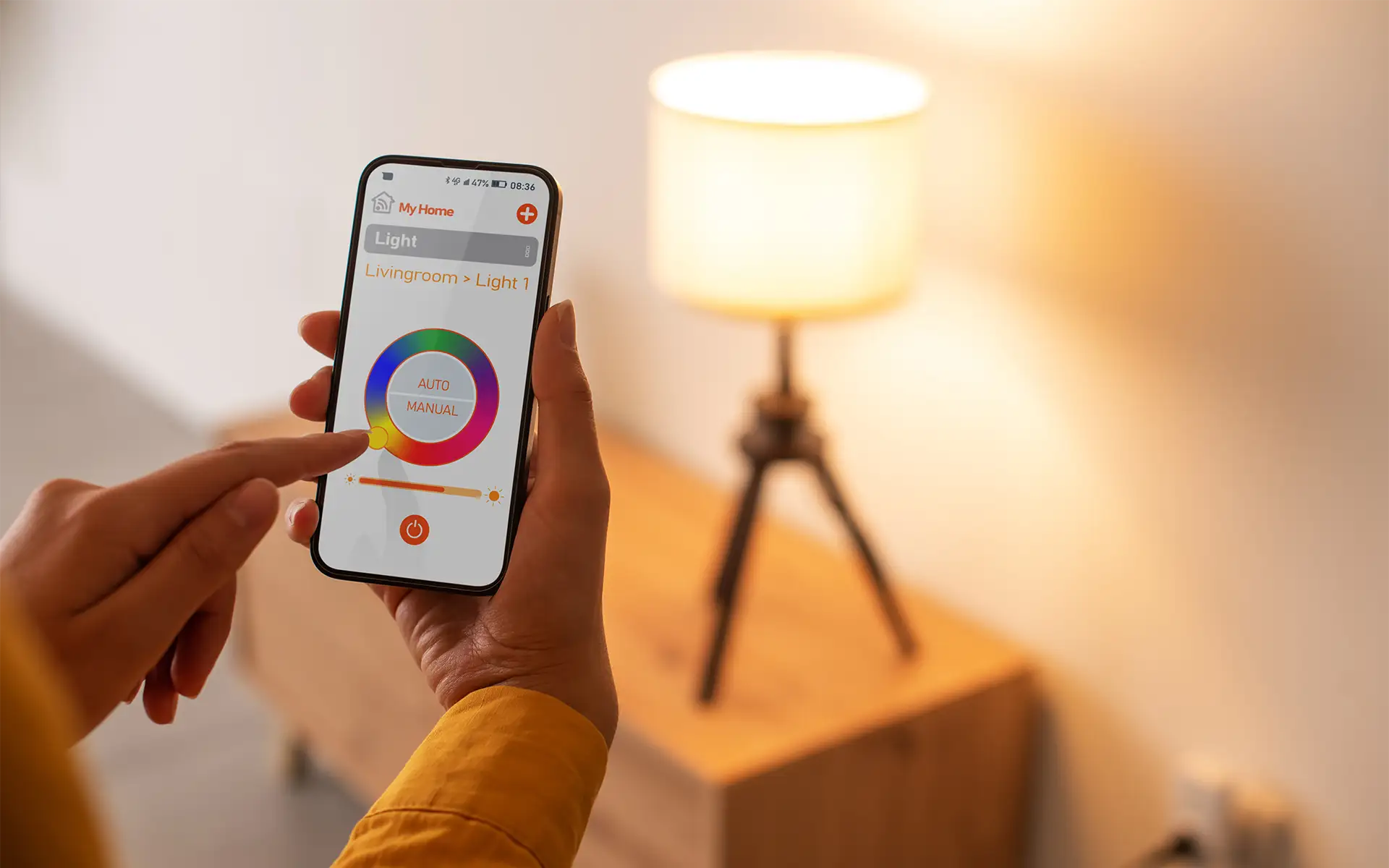
Lighting is one of the most practical ways to make an existing home feel smarter, and it doesn’t have to be all or nothing. You can add control over individual lights or entire rooms without opening walls. For example, you can add smart bulbs, replace existing wall switches with smart versions, or install a lighting control system that lets you adjust lights across the home using an app or connected home automation platform.
The right option depends on how you use your lights, what is already installed, and how much control you want. So, consider whether you want to control a few lamps or manage the lighting throughout your home.
Smart Bulbs vs Smart Switches
Smart bulbs can replace standard bulbs in lamps and light fixtures, letting you control them with an app or your voice without changing the existing electrical setup. There is one important catch: the light needs to remain on for a smart bulb to stay connected and respond to commands. If someone turns the light switch off, the bulb loses power until it is turned back on.
Smart switches take a different approach. They replace the existing wall switch panel, giving you the flexibility to operate the lights either manually or through an app or voice assistant. This can be a better fit for frequently used overhead lights and rooms where everyone in the household wants a familiar way to turn the lights on and off.
For homeowners who want comprehensive whole-home lighting control, a professionally designed system can bring individual lights, dimmers, sensors, and other controls together. MIR works with Lutron lighting automation systems, including Caseta, RadioRA 3, and HomeWorks. They can support any degree of automation, from adding smart controls to existing lights to creating coordinated lighting scenes throughout the home.
What If Your Home Has No Neutral Wire?
Many smart controls require a neutral wire to maintain power, even when the lights are switched off. Without one, certain models simply won’t work with your existing setup. If your home has older wiring, you may discover that the electrical box behind a light switch doesn’t contain a neutral wire. Fortunately, smart switches without a neutral wire are designed specifically for these situations.
Upgrading Security Without Opening Walls
Incorporating smart home security systems is another smart home retrofit that doesn’t require knocking down walls or extensive wiring plans. Many smart security devices connect over Wi-Fi or communicate wirelessly with a central home automation system, making it easier to add protection to an existing home.
You can start small with the areas that matter most to you. For example, a smart video doorbell lets you see who is at your front door remotely, and app-controlled security cameras help you keep an eye on entry points, driveways, and outdoor spaces. Smart locks are ideal for managing access remotely, and smart cameras let you monitor your property from anywhere.
If you’re leaning toward a whole-home automation system, smart security can work alongside other features. For example, you can coordinate interior and exterior lighting with security devices so your lighting responds to certain events or follows a schedule when you’re away.
Adding Climate and Shade Control
There’s no easier way to make your home’s comfort convenient than by adding smart thermostats and automated window shades. Both offer straightforward installation, though requirements vary depending on your current HVAC equipment, window treatments, and the products you choose.
With a smart thermostat, you can adjust your home’s temperature from a mobile app, set schedules, and manage your heating and cooling when you’re away. Many models can use occupancy information and usage data to help manage heating and cooling more efficiently. Before replacing your existing thermostat, check that the model you choose is compatible with your HVAC system. Some installations are straightforward, while others may require help with the existing wiring.
Motorized window shades offer seamless management of sunlight, privacy, and indoor comfort. Instead of manually adjusting blinds throughout the day, you can raise or lower shades with a remote, mobile app, or voice command. Automated shades vary by installation. Motorized options include battery-powered, rechargeable, plug-in, or hardwired shades. Keep in mind that the wired option requires more involved wiring and installation, as it isn’t plug-and-play like the others.
Both features can also integrate into smart home automation control systems, allowing them to sync with your regular routines. For example, you could create a morning scene that raises the shades and adjusts the lighting, or schedule shades to close as the afternoon sun heats up a room.
Bringing Music and Video Into Every Room
It’s easy to add smart entertainment to your home without extensive wiring, thanks to today’s smart speakers and TVs.
A multi-room audio system lets you play music in different areas of your home, either from a single source throughout the house or with different music in different rooms. Using interconnected wireless speakers, you can manage playback from a phone, tablet, or home automation system. Wireless speakers can also sync to your smart TV to create surround sound effects in any room.
If you want audio and video synced across multiple rooms, connect them to a whole-home automation system for more centralized control. If you’re unsure where to start, a professional integrator can help you choose the right smart equipment for your space, including options to hide speakers and TVs for a cleaner look.
Where You Still Need Wiring
Wireless technology isn’t actually all wire-free. Some equipment needs a reliable wired connection for power, network access, or consistent performance.
Audio and video installations can also require some wiring. Smart entertainment setups can include in-wall speakers, dedicated home theater systems, and fixed displays that may need speaker wire, HDMI, power, or network connections. The same applies to certain security cameras and other permanently installed equipment.
How Much Does It Cost to Make Your Home a Smart Home?
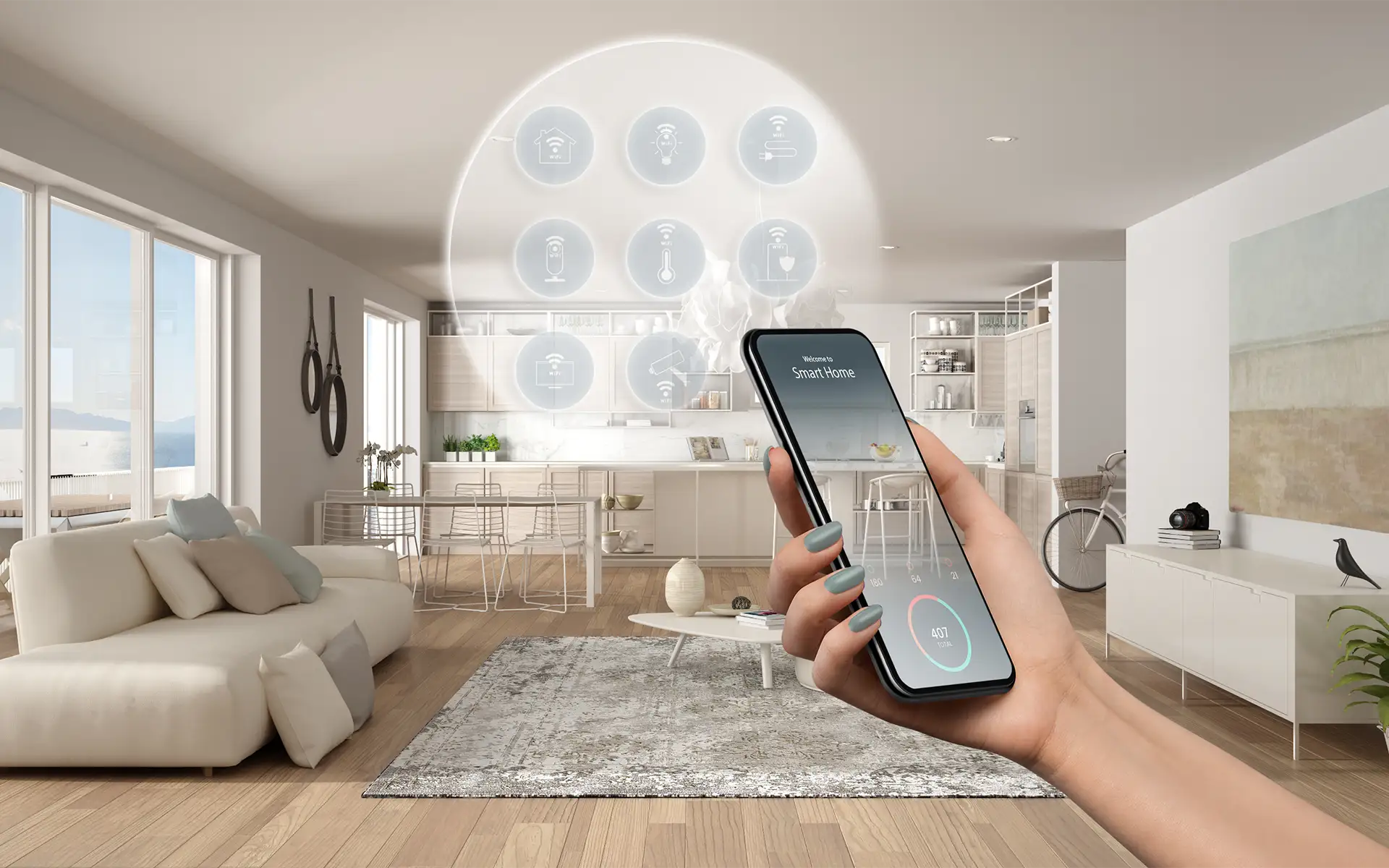
The cost of adding smart home technology to an existing house depends on how much you want to automate, the devices you choose, and whether any aspects may need additional wiring or other electrical work.
A few factors will have the biggest influence on your budget:
- Number of devices and rooms: Controlling a few lights or adding a video doorbell will cost less than extending lighting, security, audio, and climate control throughout the house.
- Type of equipment: Retail smart devices are usually less expensive than professionally integrated lighting, audio, video, and automation systems.
- Existing infrastructure: Your electrical wiring, home network, and available power connections can affect what equipment you can use and whether additional work is necessary.
- Installation and programming: DIY devices may only require setup through an app. More extensive systems can involve equipment installation, configuration, programming, and integration between different home systems.
When trying to determine how to set up a smart home on a budget, keep in mind you don’t have to automate everything at once. A phased approach can spread out the cost while giving you a system that grows with your needs.
DIY vs. Professional Smart Home Installation
If you want to add a few convenient smart features to your home, a DIY approach is completely manageable and gives you control over product selection and installation. The tradeoff is that you’re responsible for checking compatibility, setting up each device, managing different apps, and troubleshooting connection issues.
Professional installation makes more sense when you want multiple systems to work together through a unified home automation platform. An integrator can assess your existing infrastructure, recommend compatible equipment, plan network and wiring requirements, and configure the system around how you use your home. This is especially helpful for projects involving whole-home lighting, motorized shades, security, distributed audio, and home theater.
It’s also worth thinking about what happens after installation. Smart home systems need occasional software and firmware updates, network checks, and equipment maintenance to keep everything operating as expected. We detail what homeowners should expect in our guide to smart home maintenance.
Ready to Explore Smart Home Automation in Southern California?
Contact MIR Audio Video today!
Frequently Asked Questions: How to Set Up a Smart Home
Can you turn an old house into a smart home?
Yes. You can add smart lighting, security, climate controls, motorized shades, and entertainment to an older home using today’s wireless devices for a smart home retrofit. Just ensure you have a robust WiFi network to support a smart home retrofit.
Do smart switches need a neutral wire?
Not always. Many smart switches require a neutral wire, but some models are designed to work without one. Check your existing wiring and the manufacturer’s compatibility requirements before choosing a switch.
What should I automate first in my home?
A smart home renovation can start with the features that would make the biggest difference in your daily routine. Smart lighting, a connected thermostat, or a video doorbell are practical starting points. If you want broader control, consider your home network and overall automation goals before buying individual devices.
Do I need a hub for a smart home?
Not necessarily. Some smart devices connect directly to your Wi-Fi, while others require a hub or bridge to communicate with your network.
How much does it cost to make your house a smart home?
The cost depends on the number of devices, features, equipment, and installation requirements. Adding a few smart devices is less expensive than integrating lighting, security, climate, shades, and entertainment throughout your home. A professional assessment can help establish a realistic budget based on your goals.